KubeStellar UI (User Interface)
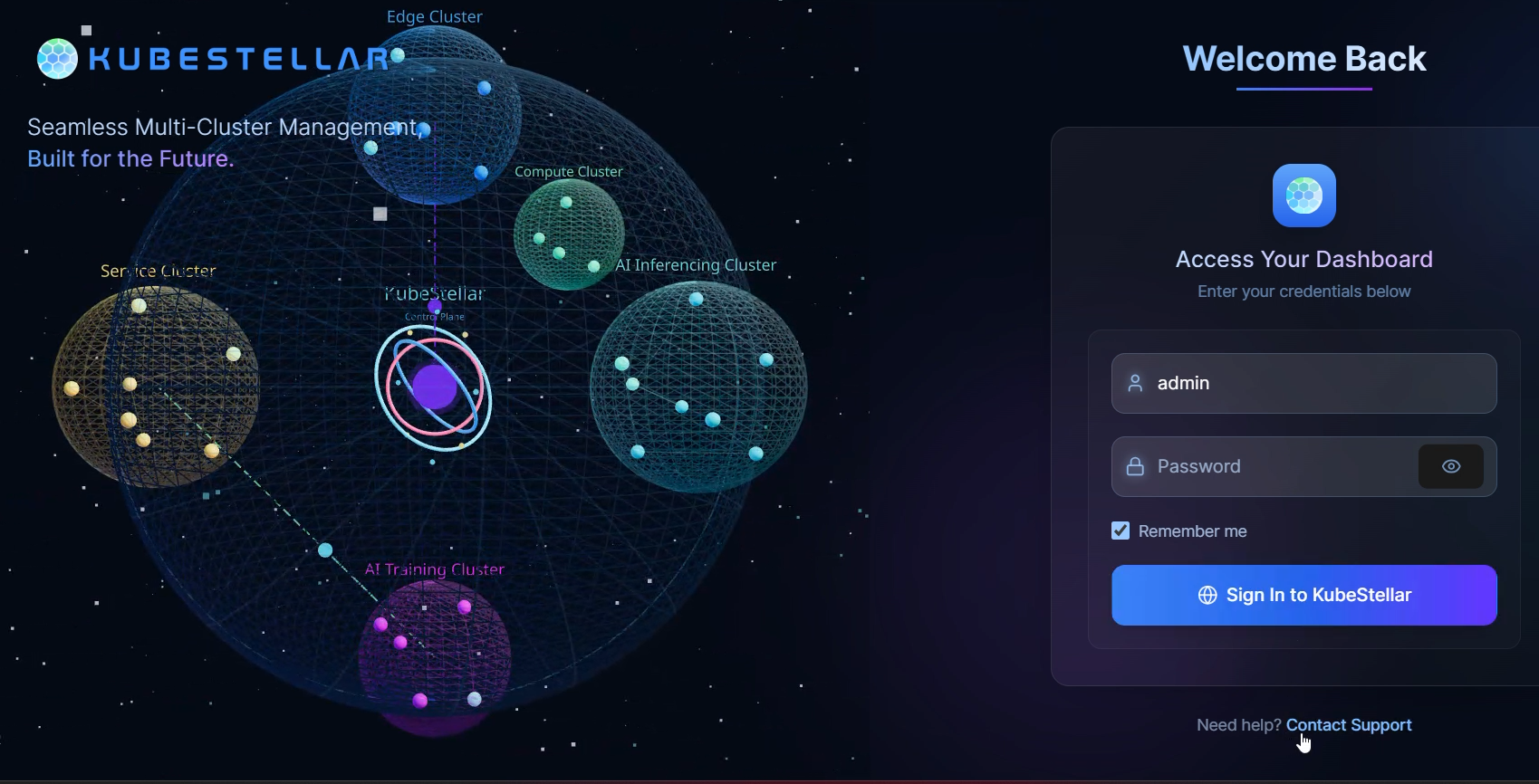
The KubeStellar UI is an add-on developed to make managing workloads via KubeStellar even simpler and more intuitive. With its web-based interface, you can view and manage your Workload Definition Space, Inventory and Transport Space, and Binding Policies all interactively, with both drag-and-drop and text-based interface modes available for use.
Console Features
Global Filtering
The KubeStellar Console now features a powerful Global Filtering system located in the navbar, allowing you to filter resources across all dashboard cards and pages simultaneously.
- Global Status Filter: Filter your view by resource status (e.g.,
Running,Failed,Pending,Initializing). This helps you quickly identify issues across your entire fleet. - Custom Text Filter: Use the search bar to filter resources by Name, Namespace, or Cluster.
[!NOTE] Your filter preferences are automatically saved to your browser’s local storage, so they persist between sessions.